After creating or switching to a workspace:
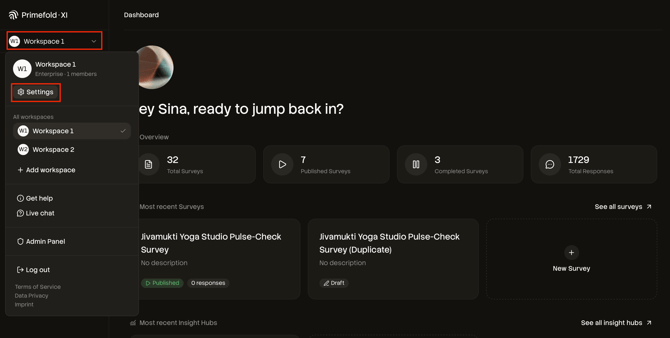
- Open the workspace menu and click Settings.
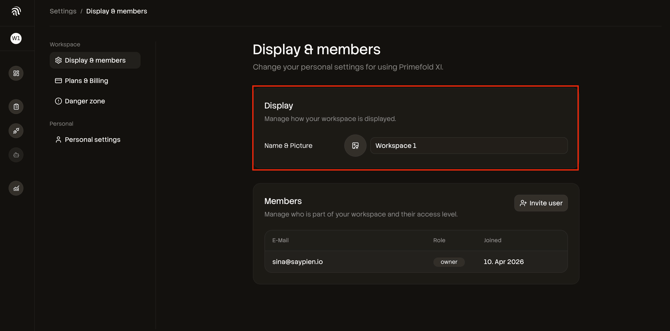
- Under Name & Picture, update:
- workspace name
- workspace icon/picture
- Save changes (if prompted).

After creating or switching to a workspace: